ChatGPT for Google Forms: Build Surveys, Quizzes, and Feedback Forms
Use ChatGPT for Google Forms with GPT Workspace. Create surveys, quizzes, and feedback forms directly in Google Forms, or draft questions in Docs first.

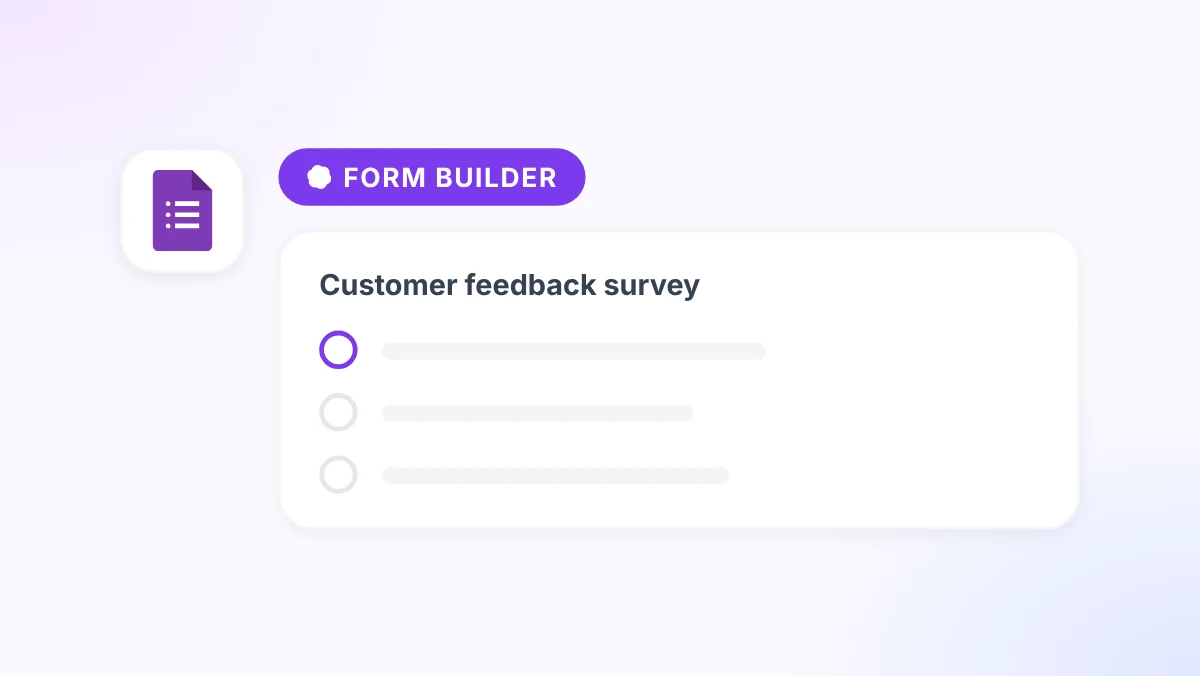
ChatGPT for Google Forms helps when the hard part is not clicking “Add question.” It is deciding what to ask, in what order, with which answer types, and how to avoid bias or ambiguity. Most teams open a blank form, stare at the first field, and rebuild the same customer survey from memory. GPT Workspace puts the drafting step inside Google Docs and Sheets, where you can iterate on questions before anything goes live.
This guide shows how to use GPT Workspace, a Chrome extension and Google Workspace Add-on that puts ChatGPT, Claude, and Gemini directly inside Google Docs, Sheets, Slides, and Gmail. You will generate survey questions, quiz items, and feedback forms in a doc, refine them with follow-up prompts, then copy the finished set into Google Forms. The AI does not replace your judgment on what to measure. It removes the blank-page friction that makes form building take an hour when it should take ten minutes.
Key takeaways
- Draft every Google Form in Docs first. You get version history, comments, and faster rewrites before responses exist.
- One strong goal prompt produces 8 to 12 usable questions with answer types labeled for Forms.
- Quizzes and assessments need a second pass for distractors, point values, and an answer key.
- Export Form responses to Sheets, then use GPT Workspace to summarize themes and flag outliers.
- Save your best form prompts in the GPT Workspace library so HR, sales, and ops reuse the same structure.
Why Google Forms Still Takes Too Long
Google Forms is simple on the surface. Add a title, pick a question type, publish. The time sink is upstream: clarifying the goal, writing neutral wording, choosing scales that actually discriminate, and ordering questions so respondents do not drop off halfway through.
Three patterns slow teams down:
- Starting in the form builder. You edit one question at a time with no room to compare alternatives side by side.
- Recreating the same form types. Customer satisfaction, event registration, and new-hire intake share a skeleton. Most teams rewrite from scratch each quarter.
- Weak analysis after close. Responses sit in Sheets as raw rows until someone manually reads 200 open-text answers.
An ai google forms generator workflow fixes the first two problems in Docs. The third problem is solvable in Sheets after export. If you already use AI across Workspace, the forms loop fits naturally beside AI productivity hacks for Google Workspace, which covers form question generation as one of ten high-return patterns.
How ChatGPT Fits Your Google Forms Workflow


GPT Workspace can now build the form for you. Describe it in chat and the AI form generator creates a native Google Form in your Drive, with question types, sections, and settings in place. The Docs-first loop below is still the better choice when a form needs review before it exists: you can compare two wordings, leave comments for a colleague, and run a second prompt pass before respondents see anything. When the draft is approved, you can convert the doc into a Google Form instead of copying questions by hand.
The practical chatgpt google forms questions loop looks like this:
- Open a Google Doc and write a short brief: audience, goal, length, and sensitive topics to avoid.
- Run GPT Workspace to produce numbered questions with answer types noted in brackets.
- Edit wording, then copy each block into Google Forms.
- After responses arrive, export to Sheets and summarize with AI.
Install once using the GPT Workspace installation guide. For deeper Docs prompting patterns, see how to use ChatGPT in Google Docs.
Step 1: Write a Form Brief Before Any Questions
Open a new Google Doc titled [Form name] draft. At the top, paste a brief your future self can reuse:
Form name: Q3 customer feedback
Audience: Paying customers who completed onboarding in the last 30 days
Goal: Find friction in the first week and measure likelihood to recommend
Length: Under 4 minutes (8 to 10 questions max)
Must avoid: Legal claims, competitor names, double-barreled questions
This brief is the input that separates generic AI output from something you can publish. Without it, models default to vague satisfaction scales and filler questions.
Save the brief layout as a GPT Workspace library entry named Form Brief Template. HR teams building intake forms use the same skeleton described in GPT Workspace for HR managers. Teachers building assessments can adapt the quiz section from ChatGPT for teachers.
Step 2: Generate Survey Questions with ChatGPT
Write 10 Google Forms questions for post-onboarding feedback...
With the brief in place, run a generation prompt in the GPT Workspace sidebar:
“Using the form brief above, write 10 Google Forms questions. For each question include: (1) the question text, (2) the recommended answer type in brackets (multiple choice, linear scale 1 to 5, short paragraph, single choice, checkbox), (3) answer options where applicable. Open with two screening questions, include one open-text question for unexpected friction, and end with one likelihood-to-recommend scale. Keep language neutral and under 20 words per question.”
Review the draft for three common failures:
- Double-barreled questions that ask about speed and quality in one sentence.
- Leading scales where every option sounds positive.
- Missing “not applicable” on optional topics.
Run a correction pass on any weak rows: “Rewrite questions 4 and 7 to remove double-barreled wording. Add a ‘Not applicable’ option to question 6.”
When the doc is clean, copy questions into Google Forms one section at a time. Match each bracketed type to the Forms control (multiple choice, linear scale, paragraph text). To skip the copying entirely, ask GPT Workspace to build the survey from the same brief with the AI survey generator.
Step 3: Build Quizzes and Assessments
Quizzes need tighter logic than surveys. Respondents either know the answer or they do not, so wording and distractors matter more.
Use a two-step prompt chain:
Step A (questions): “Write a 12-question quiz on [topic] for [audience level]. Mix 8 multiple choice (4 options each), 3 short answer, and 1 scenario question. Label difficulty as Easy, Medium, or Hard. Note the correct answer after each item.”
Step B (quality pass): “Review the quiz above. Flag ambiguous wording, fix any questions where two answers could be correct, and rewrite weak distractors so wrong options are plausible but clearly wrong to someone who studied the material.”
Paste multiple choice items into Google Forms quiz mode. Set point values if you grade automatically. Keep the answer key in the same Doc for manual grading or item review. The AI quiz generator can do this step for you: it creates the quiz in Google Forms with the answer key, point values, and feedback already set.
Educators already using AI for assessments can extend the same doc into Slides or handouts. The quiz content stays the source of truth.
Step 4: Create Feedback and Intake Form Variants
"How clear was the onboarding timeline?"
"Equipment preferences and start date"
"12 items with answer key in Docs"
"Event session rating plus open comment"
Most organizations need four form families, not one generic template:
- Customer feedback: satisfaction, effort, open friction, recommend score.
- Event registration: logistics plus optional session preferences.
- Employee intake: role details, equipment, schedule, emergency contact (see HR article above).
- Training check: short quiz plus confidence self-rating before and after.
Generate each family from the same brief pattern. Change only the goal paragraph and audience line. Store four named prompts in your GPT Workspace library: Form: Customer Feedback, Form: Event Reg, Form: Intake, Form: Training Check. If you would rather start from a ready form, generate customized Google Forms templates for each family.
When a stakeholder asks for “a quick form by Friday,” you are editing an existing draft, not inventing structure under pressure.
Step 5: Analyze Responses with AI in Sheets
Publishing the form is half the job. Decisions come from synthesis.
After responses collect:
- In Google Forms, open the Responses tab and click the Sheets icon to create a linked spreadsheet.
- Open the Sheet and add a second tab called
AI Summary. - In GPT Workspace inside Sheets, prompt: “Summarize themes in column C (open feedback) from rows 2 to 200. Group into at most 5 themes with a one-sentence description each. Count how many responses mention each theme. List 3 representative quotes per theme, anonymized.”
For numeric columns, ask for distributions and outliers: “For column D (1 to 5 satisfaction), calculate average, median, and count of scores 1 to 2. Flag any segment where average drops more than 0.5 points vs the overall average if column B (plan type) is available.”
This pairs naturally with how to use AI in Google Sheets. The form captures data. Sheets plus GPT Workspace turns rows into a summary your team can act on in a standup. If you do not need a spreadsheet, you can also analyze Google Forms responses directly in chat, without exporting them first.
200 raw rows
5 themes + quotes
FAQ
Conclusion
ChatGPT for Google Forms works best as a loop: brief the goal, generate questions with answer types labeled, quality-check the wording, build the form, then summarize the responses. GPT Workspace can now handle the build and analysis steps for you, and the Docs draft remains the place to review anything sensitive before it goes live. Explore every AI tool for Google Forms to pick the right starting point.
Install GPT Workspace to run the workflow inside Docs and Sheets, or open the Docs integration page to see how the sidebar fits your existing documents. Save your first form brief and generation prompt to the library this week. The next survey will take ten minutes instead of an afternoon.